

TLDR; I would really appreciate it if someone at Meta, Facebook, Instagram, or Threads can help me resolve what appears to be an automated mistake. [email protected] Thank you!
This is not exactly how I planned to make the first public post about the new product I am building, but here we are.
This week I launched the landing page for a new product called Park Guide. Park Guide is a new product I am building, and as part of the launch I created matching social media accounts for it:
- Facebook: https://www.facebook.com/parkguidehq
- Instagram: https://www.instagram.com/parkguidehq/
- Threads: https://www.threads.com/@parkguidehq
- YouTube: https://www.youtube.com/@ParkGuideHQ
- X: https://x.com/parkguidehq
- LinkedIn: https://www.linkedin.com/company/parkguidehq
The Instagram and Threads accounts are important because I would really like to keep the matching parkguidehq name across platforms.
What Happened
On June 4, 2026 at 5:07 PM, I received an email from Instagram saying I needed to verify my account to keep using it. As far as I can tell, the email was genuine.
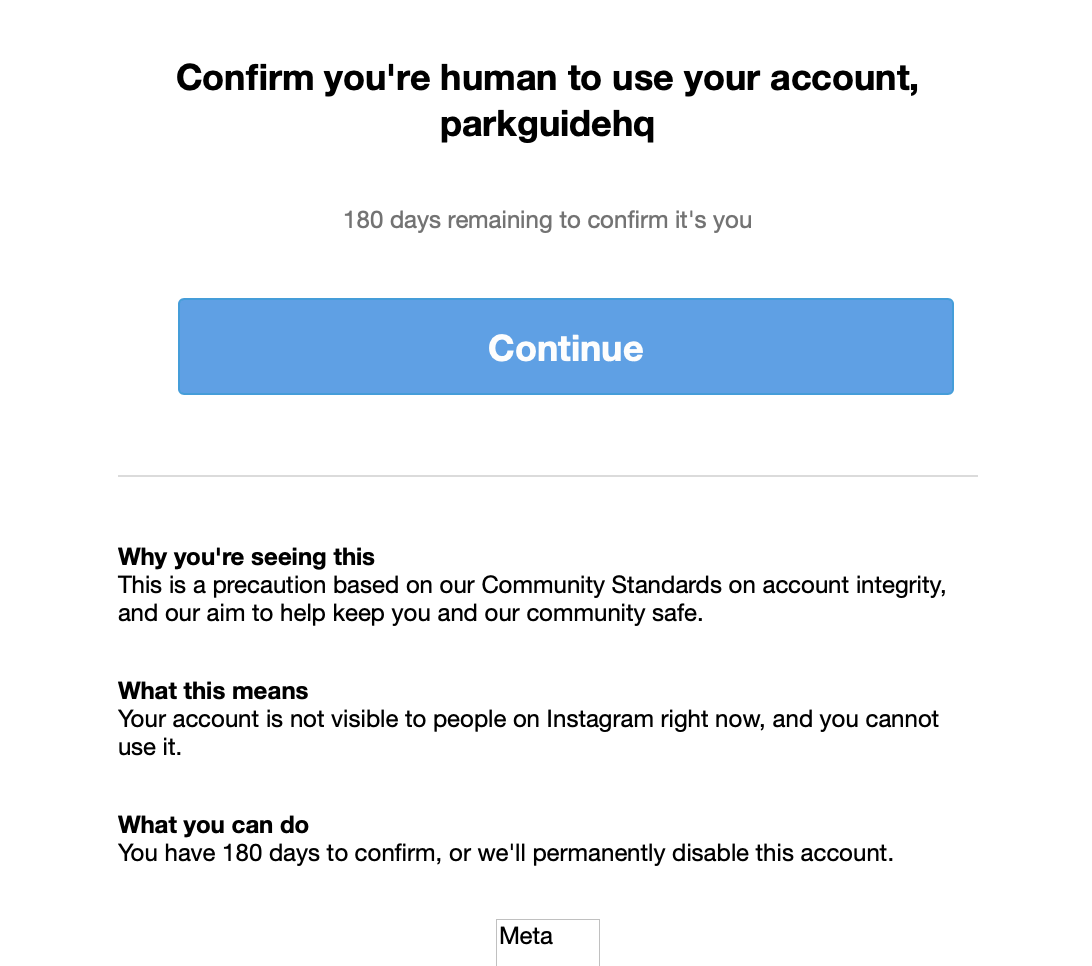
I can confirm I’m human! I rushed through the verification process. I probably did not do a great job with it because I was trying to complete it quickly and did not realize the consequence could be permanent loss of access to the account.
At 6:27 PM the same day, I received another email saying the account had been permanently disabled because it was found to not follow Instagram’s Community Standards.
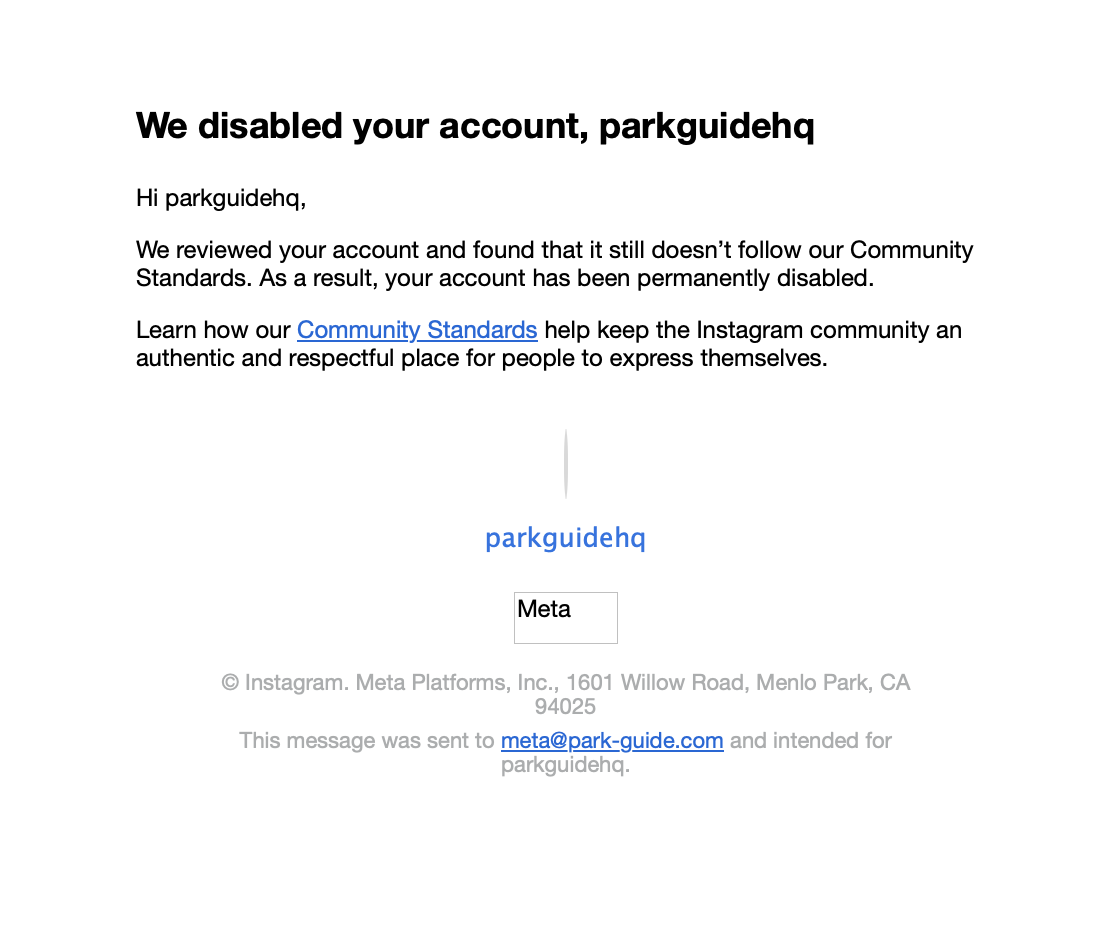
I am new to social media, so it is possible I made some setup mistake without realizing it. But I have not posted anything from these accounts, so I do not understand what content or behavior could have triggered a Community Standards violation. My best guess is that an automated system made a mistake.
No Appeal Option
I can still log in to the Instagram account, but all I see is a screen that says “We disabled your account.”
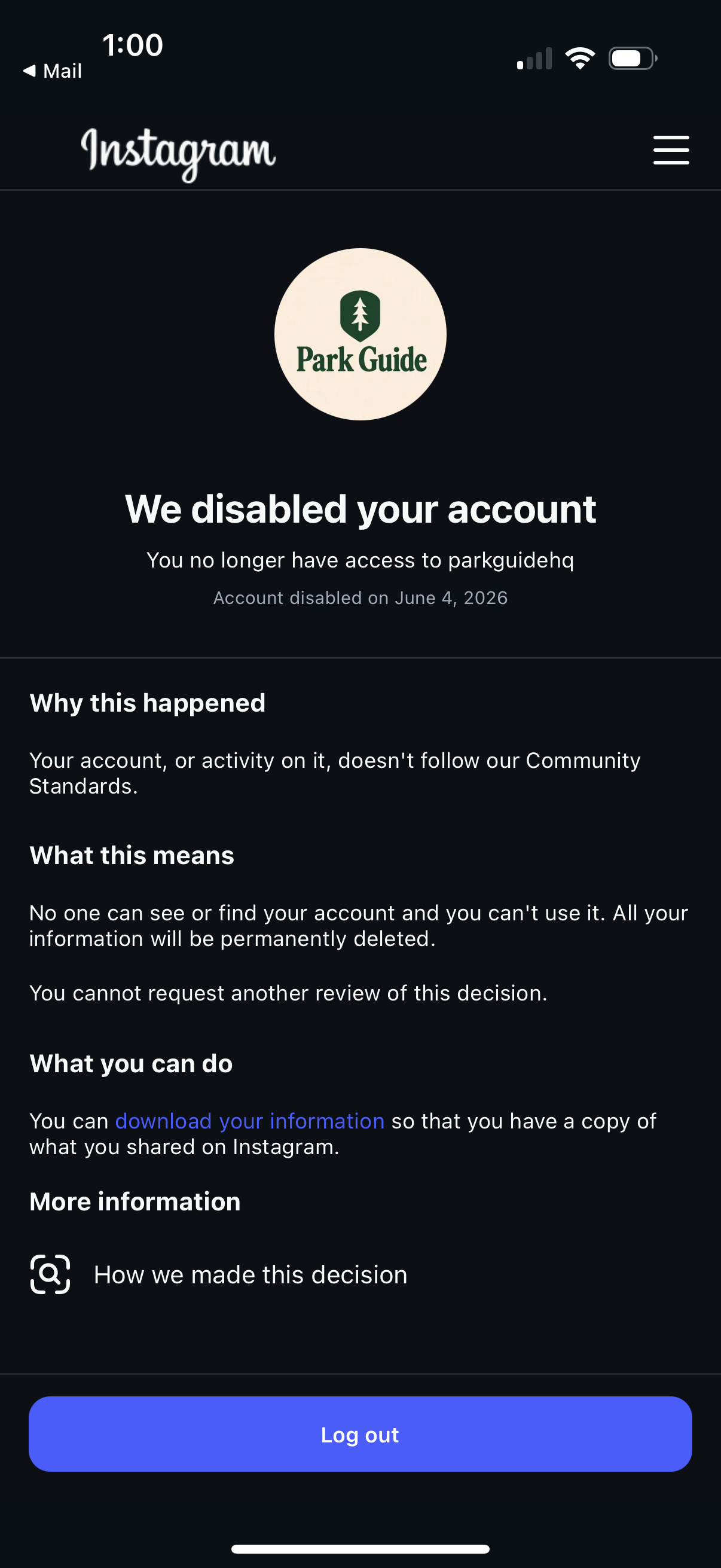
The main issue is that I do not see any way to appeal the decision. The only actions available to me are to download my data, which should be empty because the account is new, or log out.
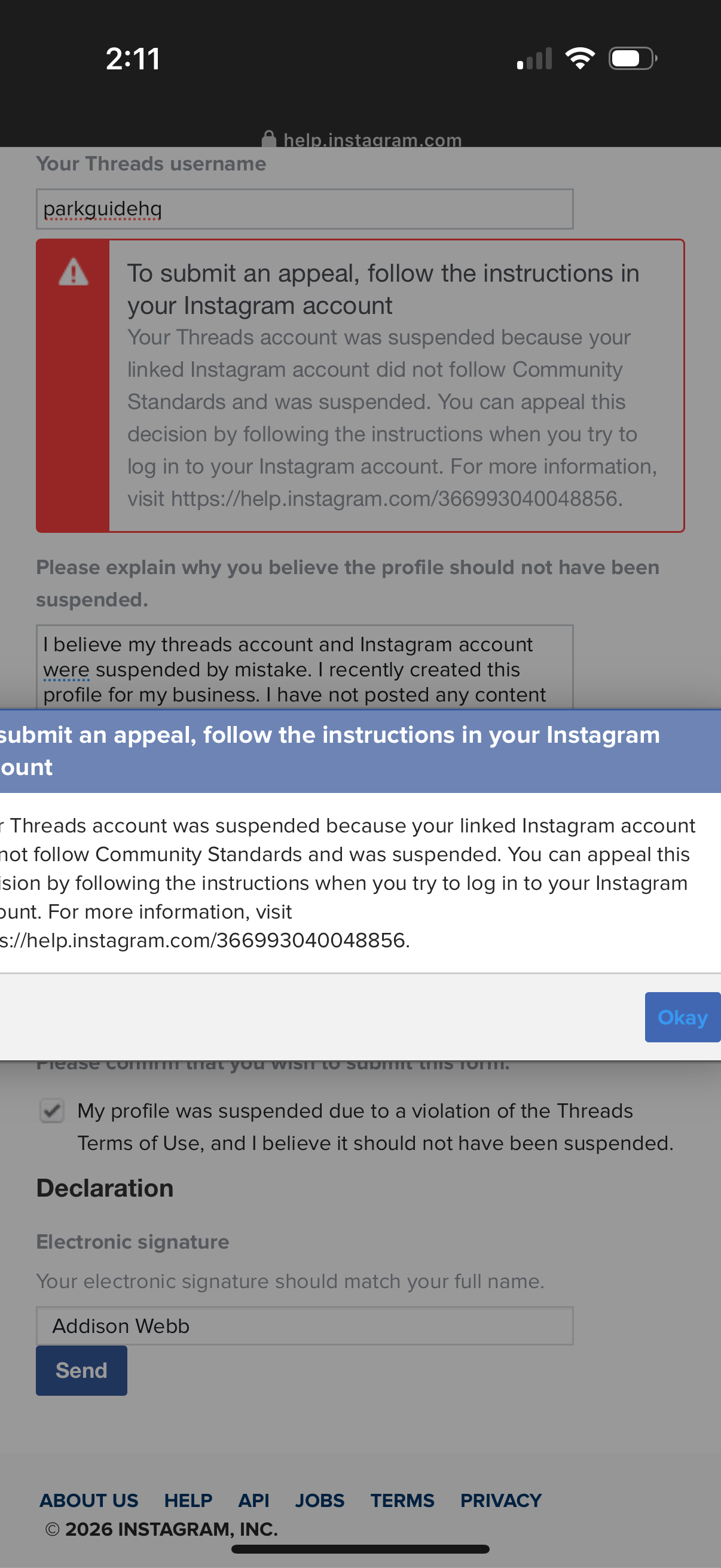
Interestingly, I did find an appeal option in the Threads app.
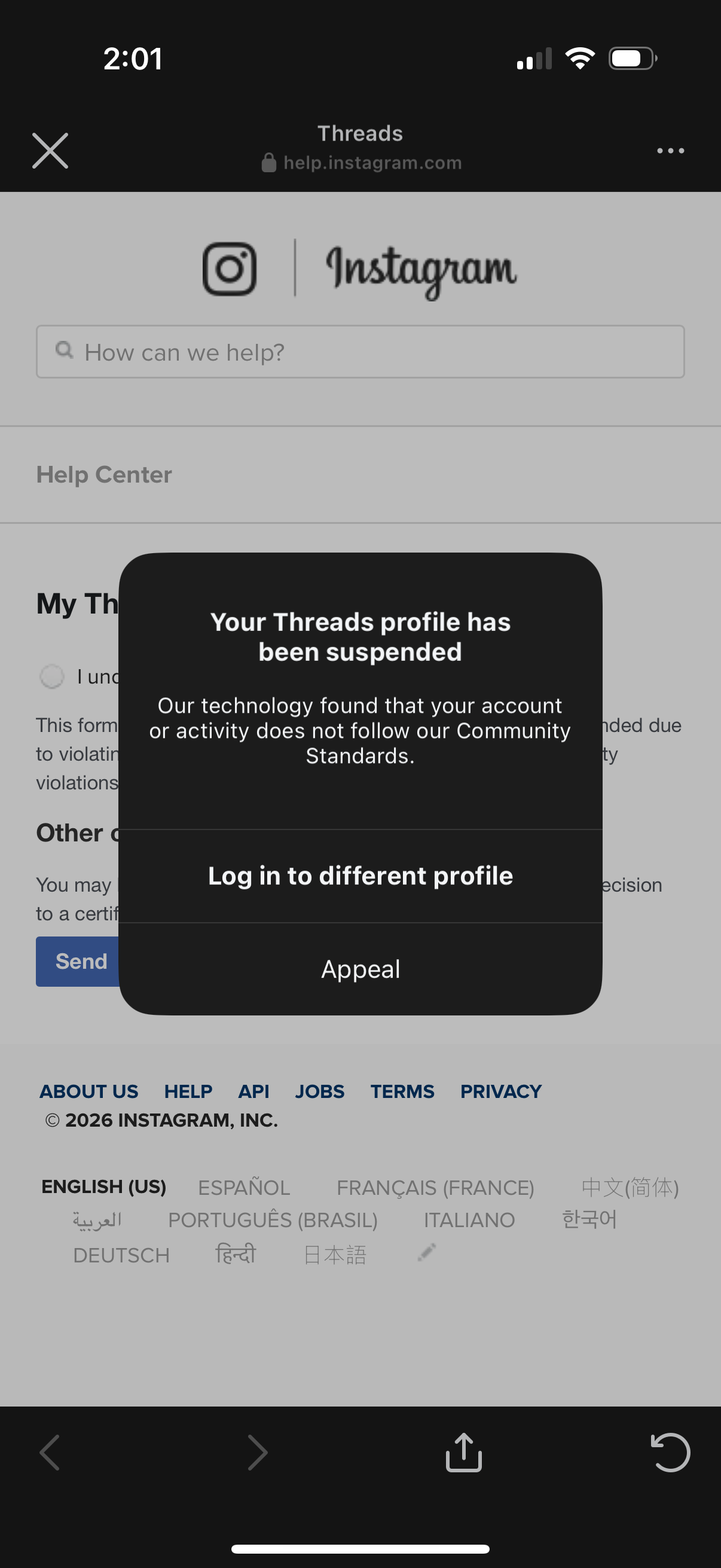
However, when I tried to submit that form, I received a message telling me to follow the instructions shown when I sign into my Instagram account. This message was consistent with other documentation I came across. Basically all the documents I saw mentioned that I should see an option to appeal when I log in to the Instagram account.
What I Am Asking For
If you work at Meta, Facebook, Instagram, or Threads, or if you know someone who does, I would be extremely grateful for help getting this reviewed by a human.
I am not trying to avoid any rules. If I made a mistake while creating the account, I would be happy to fix it. I just cannot find a path to ask what went wrong or have the decision reviewed.
Losing the matching parkguidehq Instagram and Threads names would be frustrating.
If you can help, please contact me at [email protected]. Thank you!